

Peek
Peek lets anyone photograph an object, sign, worksheet, or product and get a plain AI answer, with history and saved collections.
About this app
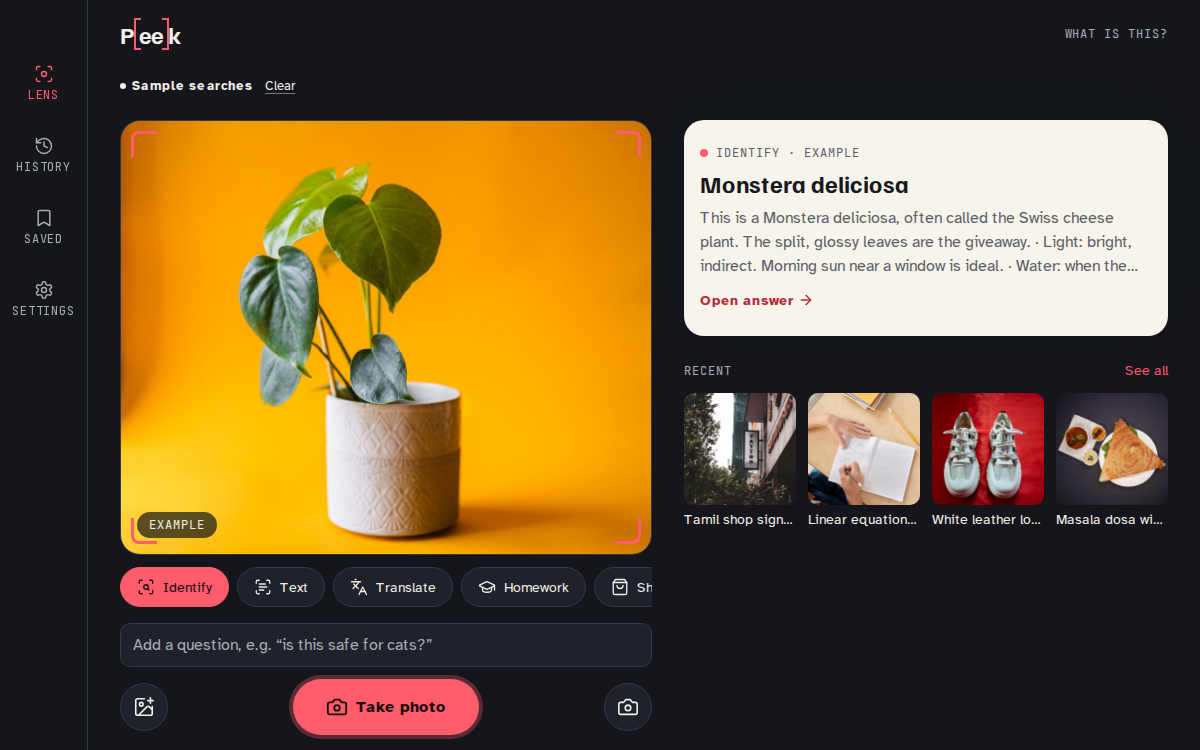
Peek turns a phone camera into a quick answer machine. A user takes or picks a photo, taps a mode — identify, read text, translate, solve homework, or find a product — and the app's AI looks at the image and writes back a plain answer, with room to ask a follow-up question right on that result.
The main screen is a dark viewfinder framed by a coral focus bracket, with mode chips underneath and a big shutter button. Searching slides up a paper-coloured result sheet holding the title, the answer, and a follow-up box. A History tab lists past searches by day and lets you filter by mode or search by words, a Saved tab holds named collections of kept results, and Settings stores a translate-to language, a default mode, and whether photos are kept.
It is aimed at anyone in India who wants a fast answer about something in front of them: a student photographing a worksheet line they are stuck on, a shopper deciding on a kurta, a traveller trying to read a Tamil signboard, or a gardener checking why a houseplant's leaves have spots. It is built for one-handed, in-the-moment use rather than browsing.
A shopper, student, or traveller-focused product team building a visual lookup tool, or anyone who wants a personal camera assistant that explains, reads, translates, or helps find what it sees, would want an app shaped like this.
What it does
- Take or pick a photo and ask what it is, what it says, or what it means
- Switch modes: identify, read text, translate, solve homework, or find a product
- Ask follow-up questions on any result without starting over
- Copy text read from a photo
- Browse past searches by day in History, filterable by mode or words
- Save results into named Collections and reopen or remove them later
- Set a default translate-to language, a default mode, and whether photos are kept
- Clear history from Settings
Questions
- Can I build a Google Lens style app without code?
- Yes, an app like Peek that photographs objects, text, or products and returns an AI answer can be built and described into existence with BooDoo.
- Does Peek recognise things live through the camera, like Google Lens does?
- Not yet. In this version you take or pick a photo first, choose what you want to know, and then get an answer, rather than continuous scanning in the viewfinder.
- Can it translate signs and read text out of photos?
- Yes, there are dedicated modes for reading text in a photo and for translating it into a language set in Settings.
- Does it keep a history of what I've scanned?
- Yes, every search is saved to a History tab by day and can also be saved into named Collections.
- Can I ask it a follow-up question about a photo I already took?
- Yes, every result screen has a follow-up box so you can ask more about the same photo without retaking it.
Build an app like this
More apps like this

Other apps
Rassegna
Le notizie del giorno, lette ad alta voce e riassunte per te.
Other apps
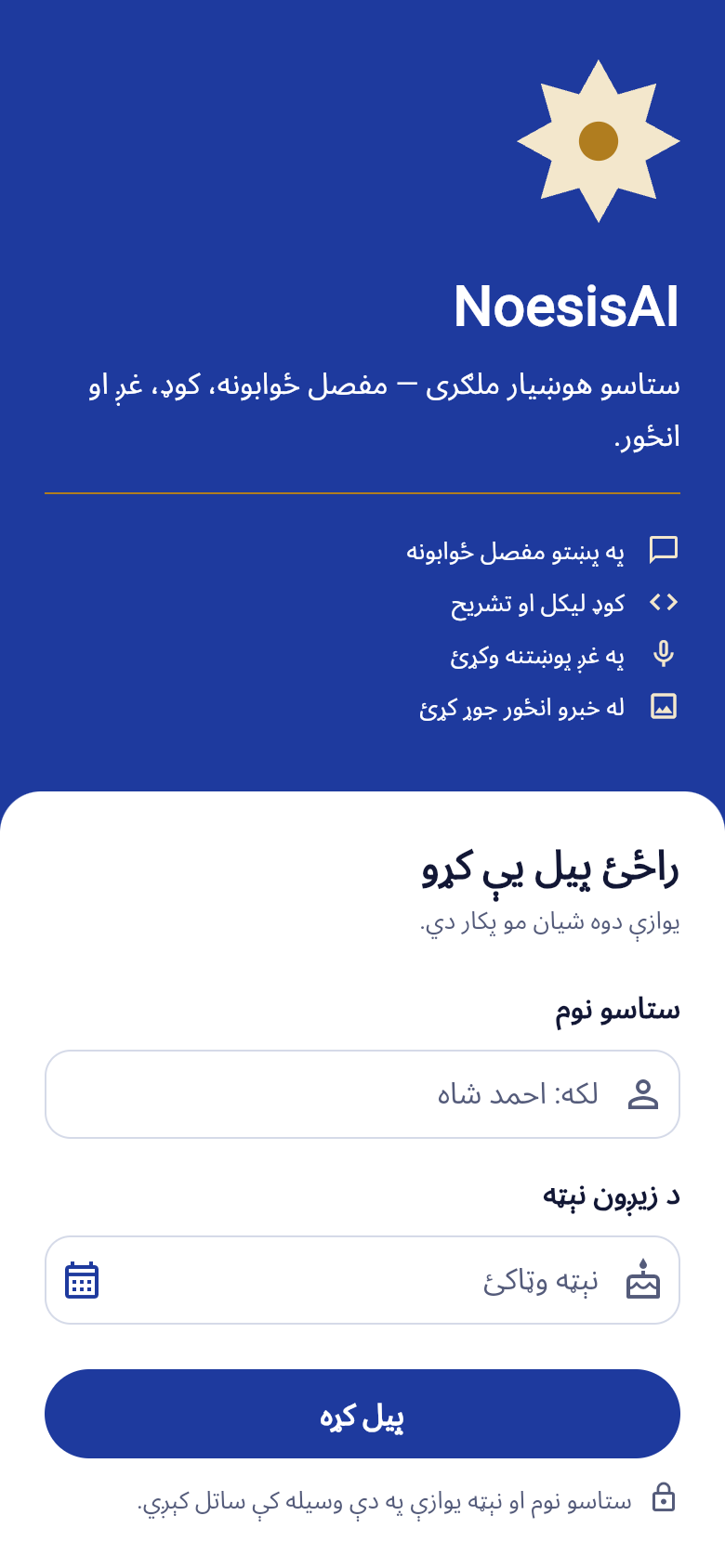
NoesisAI
ستاسو هوښیار ملګری — مفصل ځوابونه، کوډ، غږ او انځور په یوه ځای کې.
Other apps
My Music Distribution
Ta musique sur toutes les plateformes, tes royalties dans ta poche.

Other apps
Il salotto del popcorn
Film, serie, libri, musica, anime e manga: tutto quello che guardi e leggi, a che punto sei.

Other apps
Shotbook
Describe a video. Get the script and every shot, ready to film.
Other apps
FREDIX AI
Creá, explorá, divertite.
Made with BooDoo. Owners on a paid plan can hide their app from the gallery.