

JARVIS
A personal voice assistant for one phone: speak or type questions, hear spoken answers, and save one-tap protocols and personal facts it remembers.

About this app
JARVIS is a personal voice assistant built as a single-screen talk experience: tap the mic, speak, and the app sends the question to an AI and reads the answer back out loud in one of the phone's own voices. A keyboard option sits alongside the mic for quiet moments, and every exchange is saved into a reopenable conversation so nothing said to it disappears.
The centrepiece is an animated reactor-style HUD circle that breathes while idle, spins while listening, orbits while thinking, and pulses in time with the spoken reply. Around it sit a row of one-tap "protocols" — saved prompts like a morning briefing or an explain-simply request — and a list of recent conversations, so repeat questions don't need retyping.
Two screens make the assistant feel personal rather than generic: a Memory list where the owner tells JARVIS facts about themselves (name, city, preferences) that get sent along with every question, and a Settings screen covering voice choice, speaking rate and pitch, reply length, auto-speak, and an optional hands-free mode that starts listening again as soon as JARVIS stops talking. History groups past conversations by day for quick lookup, search, or deletion.
It suits one person who wants a private, always-available spoken assistant on their own phone rather than a shared or multi-user tool — someone who likes talking through questions out loud and wants the assistant to remember a few personal details between sessions.
What it does
- Ask a question by speaking into the mic and hear the AI's answer read aloud
- Type a question instead when it's too quiet or public to talk out loud
- Save one-tap protocols for prompts you reuse often, like a morning briefing
- Teach the assistant personal facts in Memory so answers feel tailored
- Reopen, continue or delete any past conversation from a day-grouped history
- Replay, copy, rename or delete individual chat replies
- Pick a voice, adjust its speed and pitch, and test it before saving
- Turn on hands-free mode so the assistant starts listening again after it finishes speaking
Questions
- Can I talk to JARVIS with my voice and hear it answer out loud
- Yes, tap the mic, speak, and the reply is read aloud in a voice the phone already provides; typing works too when it's quiet.
- Does JARVIS remember things about me between conversations
- Yes, facts added in the Memory screen are sent along with every question so answers can reflect your name, city or preferences.
- What are protocols in this app
- Protocols are one-tap saved prompts, like a morning briefing or a request to explain something simply, that run from a rail on the main talk screen.
- Is there a hands-free mode so I don't have to keep tapping the mic
- Yes, an optional hands-free setting makes JARVIS start listening again automatically as soon as it finishes speaking.
- Can I build a personal voice assistant like this without coding
- This one was built with BooDoo, an AI app builder, and a similar voice assistant can be made by describing the screens and behaviour you want.
Build an app like this
More apps like this
Other apps
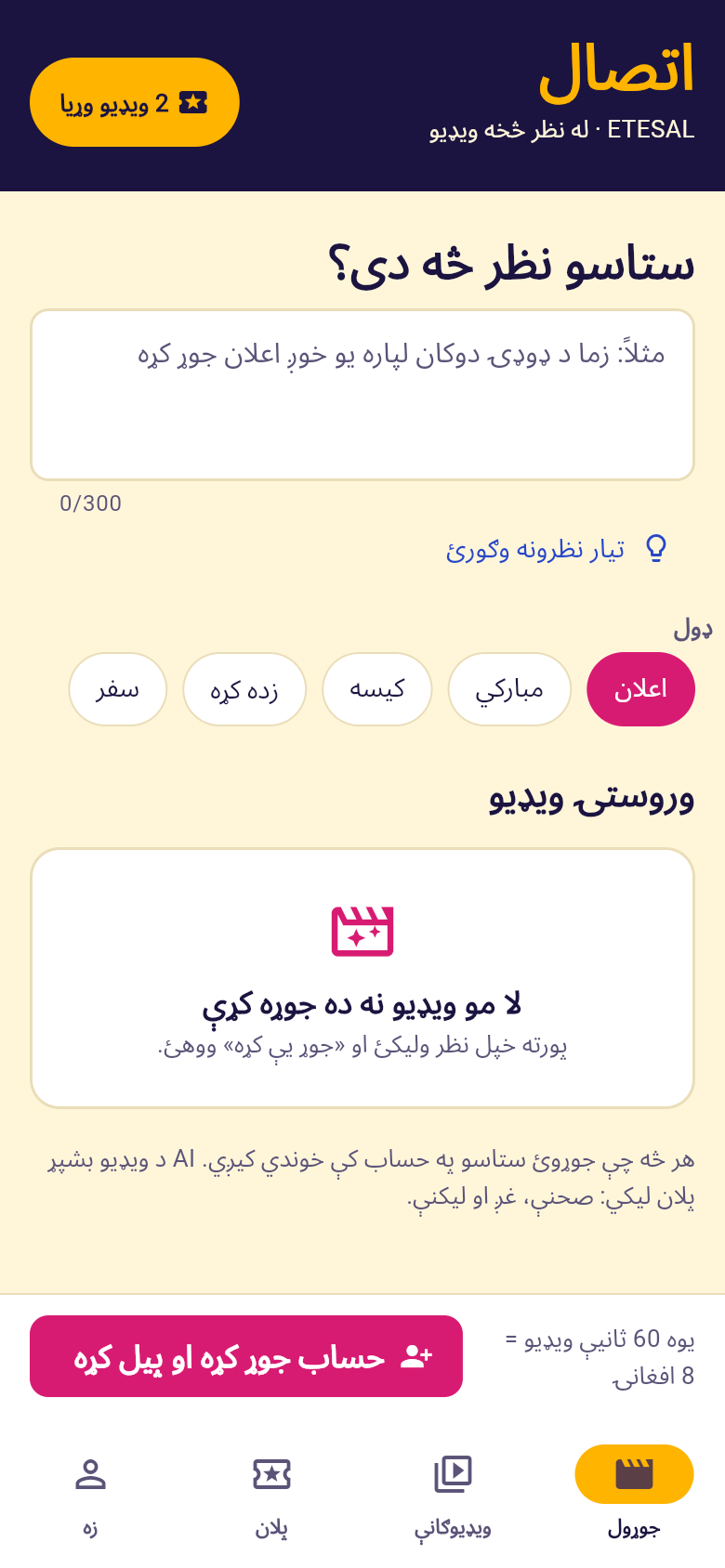
ETESAL
له یوه نظر څخه د ویډیو بشپړ پلان، په څو ثانیو کې.
Other apps
BBC Team
Type a few words. Get a whole song and the plan for its music video.
Other apps
ETESAL
ستاسو د خپلو خلکو سره ساده، سپین او چټک اړیکه.

Other apps
Calendario Lunar
Las fases de la luna, día por día, desde muy antes de Cristo hasta siempre.

Other apps
Colophon
Every ebook on your phone, found, read and shelved in order.

Other apps
Hollywood AI Video Studio
Type a story, get it written, drawn and played back as a narrated film.
Made with BooDoo. Owners on a paid plan can hide their app from the gallery.