

ZK CUT AI
An AI edit-planning app for short-form video creators that turns a marked-up raw clip into a shot-by-shot edit plan in one of 12 styles.

About this app
ZK CUT AI is built for people who shoot raw clips for Reels, TikTok or Shorts and want a structured edit before they open a video editor. On the AI Editor screen a creator picks a clip from their gallery, plays it, marks moments to keep or skip at the playhead, adds a short description, and picks a style and export target. Pressing AI Auto Edit sends up to 16 still frames and the marks to the AI, which writes a full plan: a shot list with actions, transitions, effects and speed notes, a colour grade note, a music and beat-sync suggestion, intro/outro, a hook line for the first seconds, hashtags, and export settings like resolution, fps and aspect ratio. The plan sits on a cut ruler timeline where kept moments glow violet and skipped stretches are hatched.
The app does not render video itself. On Android it can export a cuts-only MP4 that joins the kept shots in order through the system Save dialog, while the full look — transitions, grading, music and captions — stays as a written plan the creator copies and follows in an editor like CapCut or VN. A separate Captions screen takes a pasted transcript and writes timed caption lines, which can be translated into Urdu, Hindi or English and copied line by line or in full.
An Assistant screen lets a creator chat about a specific project — for example asking for a more cinematic cut — and apply the AI's rewrite straight to the plan. A Styles tab shows the 12 editing styles as photo tiles with notes on when to use each effect, and a Projects tab lists saved edits with search, filtering by style, renaming and deletion. Settings holds the default style, caption language, and export resolution, fps and aspect ratio used for new projects.
This suits a solo short-form creator — a travel vlogger, a sports or gaming clipper, a mountain-trip filmmaker — who wants a fast, repeatable plan for turning raw footage into a platform-ready edit without learning a full editing suite first. There is no sign-in; everything is kept on the one device.
What it does
- Mark keep or skip moments on a clip and get an AI-written shot-by-shot edit plan
- Choose from 12 editing styles with style-specific effects
- Export a cuts-only MP4 of the kept shots via the Android system Save dialog
- Copy the full edit plan as text to follow in another video editor
- Write timed captions from a pasted transcript and translate them to Urdu, Hindi or English
- Chat with an assistant to revise a plan and apply the changes
- Save, rename, search and filter past projects by style
- Set a default style, caption language and export resolution, fps and aspect ratio
Questions
- Does ZK CUT AI actually edit and render my video?
- No. It reads still frames and your marked moments to write a shot-by-shot plan. On Android it can also export a simple cuts-only MP4 of the kept shots, but transitions, grading, music and captions stay as a written plan to follow in an editor like CapCut or VN.
- What languages can the captions be translated into?
- Captions can be translated into Urdu, Hindi or English.
- Is my raw video uploaded anywhere?
- The video file stays on the phone. The AI only sees up to 16 still frames taken from the clip, plus the marks and description you give it.
- Can this be used for Instagram Reels or TikTok?
- Yes, each plan includes a hook line, hashtags and export presets aimed at platforms like Reels, TikTok and Shorts.
- Can I build an AI planning app like this without code?
- Yes, this app was made with BooDoo, and a similar edit-planning flow can be built by describing it.
Build an app like this
More apps like this
Other apps
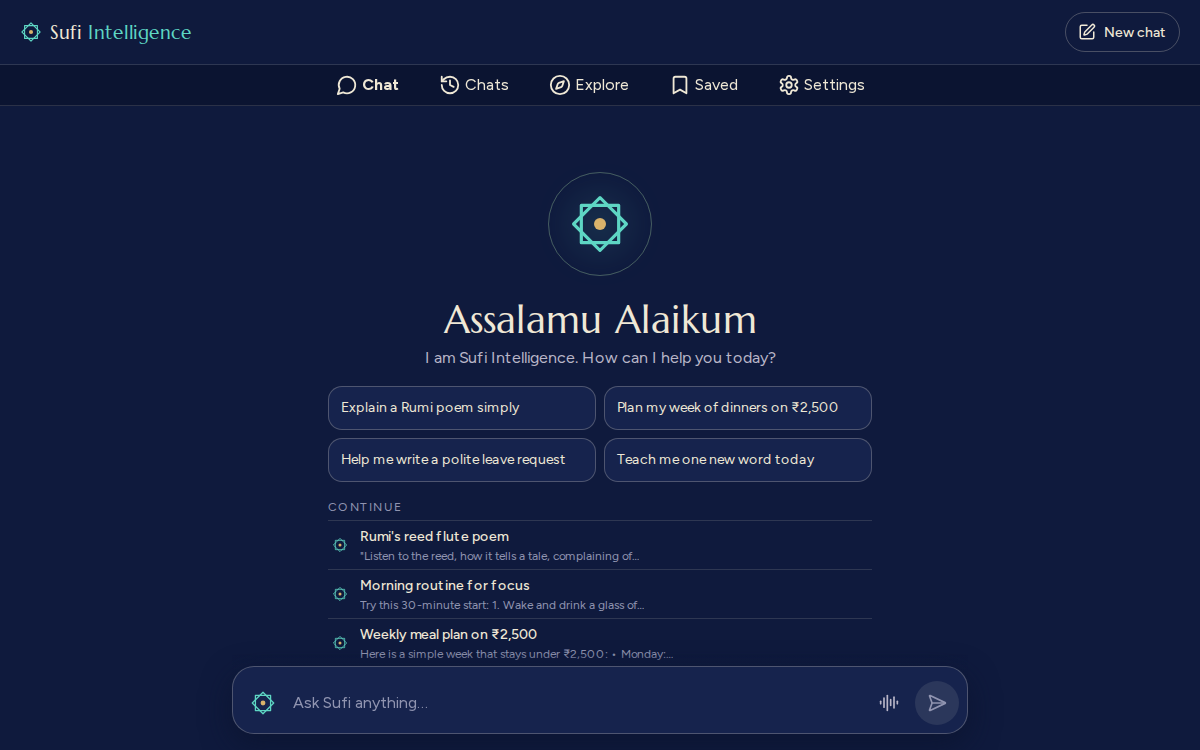
Sufi Intelligence
Ask anything, by voice or by text, and get a clear answer.
Other apps
ClimaCasa
Tecnologia e sustentabilidade para residências mais saudáveis.
Other apps
Arial
Other apps
RASTTI
Video ngufi zo mu Rwanda — reba, kunda, kurikira, winjize.
Other apps
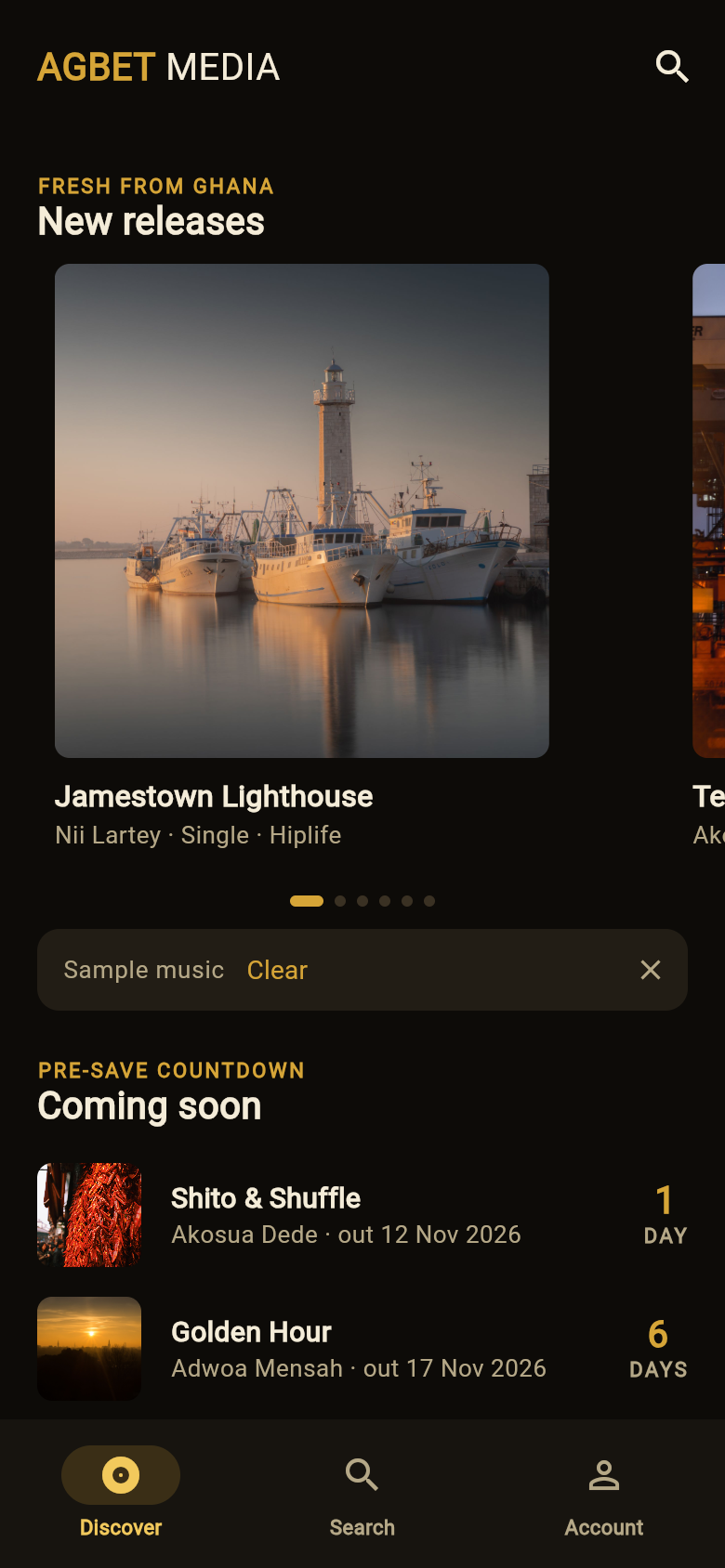
AGBET MEDIA
Your music. Every platform. Paid in cedis.

Other apps
Super App Creator AI
Describe an app in Bangla or English and watch it come alive on your phone.
Made with BooDoo. Owners on a paid plan can hide their app from the gallery.