

PyApp
A personal notebook to save Python snippets, read them with syntax highlighting, and have an AI explain, estimate, or organise them.

About this app
PyCaderno is a personal notebook for storing and understanding Python code. Snippets are typed or pasted in as text, saved with a title and free-form tags, then shown back with syntax highlighting for reading, copying, sharing, or editing. An AI assistant can explain what a snippet does, point out possible bugs, suggest improvements, or give a labelled estimate of what the output would be — the app never actually runs any code.
A separate Oficina (workshop) tab groups related snippets into projects with a status of idea, in progress, or done. From a project screen the AI can suggest how to group its snippets and which tags to use. An Assistente tab lets the user build a simple screen out of labels, buttons, entries, and checkboxes and see the matching tkinter Python code generated live for copying, or just describe a loose idea and get back a suggested approach with a sample snippet.
Settings holds a light/dark theme switch and a way to save a copy of all snippets and generated interfaces as .py files into a folder on the device — a one-way backup, not an import path back into the app. The app is explicit that any simulated output, project organisation, or idea suggestion from the AI is an estimate, never a real execution.
This is a one-person tool, with no accounts or roles, aimed at someone who writes Python as a hobby, is learning the language, or collects loose scripts and wants a lightweight place to keep them readable, tagged, and explained without needing to run a Python environment.
What it does
- Save Python snippets as text with a title and free-form tags
- Read saved code with syntax highlighting, then copy, share, or edit it
- Ask an AI to explain a snippet, flag bugs, or suggest improvements
- Get an AI estimate of a snippet's output, clearly labelled as not a real run
- Group related snippets into projects with an idea / in progress / done status
- Let AI suggest how to group a project's snippets and which tags to use
- Build a simple screen from labels, buttons, entries, and checkboxes and copy the generated tkinter code
- Switch between light and dark theme and save a backup copy of snippets and interfaces as .py files
Questions
- Does PyCaderno actually run the Python code?
- It stores the code as text with syntax highlighting and lets an AI explain what it does, but it never executes Python; any output shown is labelled as an AI estimate.
- Can I import a .py file directly?
- Snippets are pasted or typed in as text inside the app rather than imported from a .py file on the device.
- Can it generate a Python GUI for me?
- Yes, the Assistente tab lets you add labels, buttons, entries, and checkboxes and shows the matching tkinter code as you build, ready to copy and run elsewhere.
- Does it support dark mode and backups?
- Yes, Settings has a light and dark theme and can save a copy of your snippets and interfaces as .py files to a folder on your device.
- Was this app built with BooDoo and can I make something similar?
- This one was made with BooDoo, and a similar personal code notebook can be built by describing the snippets, projects, and AI explanations you want.
Build an app like this
More apps like this
Education
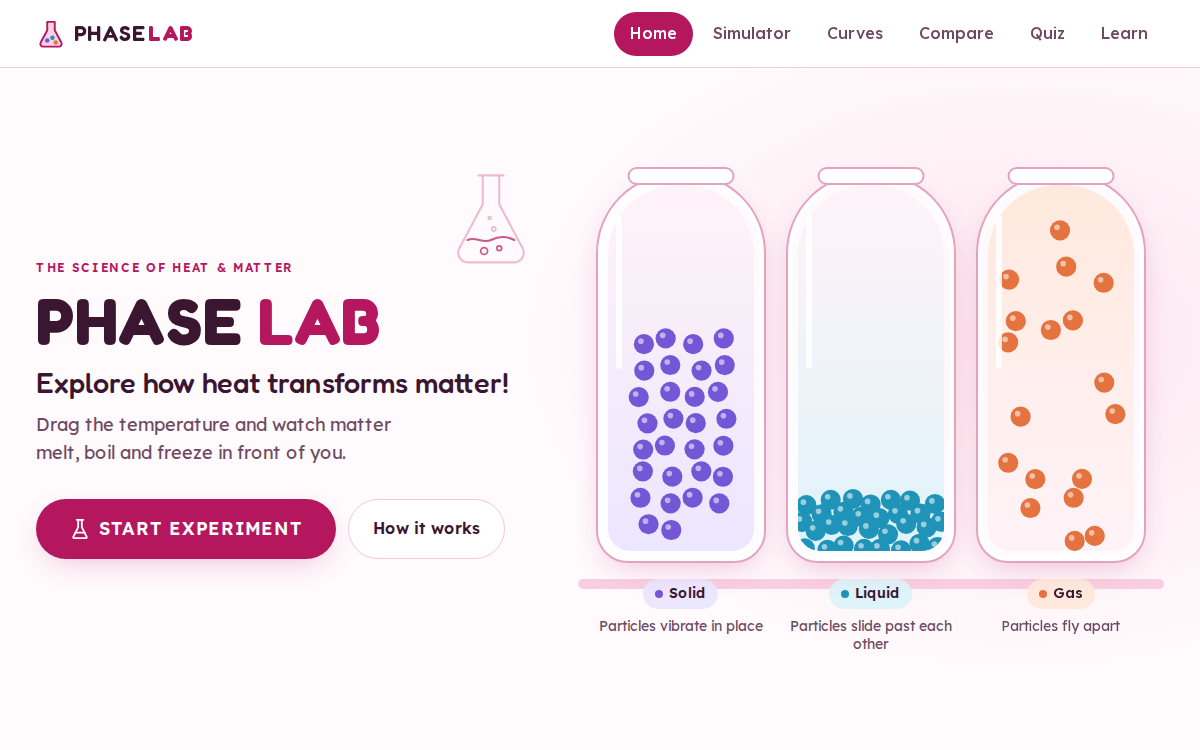
PHASE LAB
The Science of Heat & Matter — explore how heat transforms matter.

Education
APRANN PLIS
Chak jou ou aprann yon bagay, chak jou ou vin pi fò.

Education
حاسة
حاسة.. تعلّم بطريقة لم تعرفها من قبل.

Education
Aprann Plis
Aprann jodi a, vin pi fò demen!

Education
Cifra
Practica matemáticas, nivel por nivel, con cada acierto explicado.

Education
حروفي
نورة ومشاري يعلّمان طفلك الحروف والقراءة والقرآن، بلا إعلانات.
Made with BooDoo. Owners on a paid plan can hide their app from the gallery.