

ZK CUT AI
An Android-first AI video editing concept for Pakistani short-form creators that turns a style and typed instruction into timeline cuts, effects and captions.

About this app
ZK CUT AI is a concept video editor aimed at creators making TikTok/Reels/Shorts, gaming montages (Free Fire, PUBG), cricket and football highlight edits, and wedding or travel cinematics in Pakistan. Its centrepiece is an AI Auto Editor: pick one of 21 editing styles, type what edit you want, and the app turns that instruction into a plan of cuts, speed ramps, effects, transitions, colour grading and captions that can be applied to a project's timeline with one tap.
The underlying AI only reads and writes text, so it cannot watch footage or render a finished video. Instead, a person describes each clip in plain language (for example, a goal celebration, four seconds), and the AI combines that description with the chosen style and instruction into a readable plan of timeline operations. Applying the plan shows up as real clips and effect chips on a multi-track timeline, which can then be refined by hand: splitting, trimming, duplicating, reordering, adjusting speed curves, applying effects and transitions, colour grading, and adding captions in English, Urdu or Hindi.
Beyond the AI editor, the app offers 15 template categories to start a project from, a separate Photo Studio for colour grading and filters on still photos with before/after comparison and saved looks, and a projects list for tracking drafts and finished edits. The export screen computes resolution, codec, bitrate and an estimated file size and can copy an edit decision list, rather than producing a finished render.
It suits short-form video creators, gaming montage editors, and anyone doing quick-turnaround edits for Pakistani social platforms who wants an AI-assisted starting plan for a timeline edit rather than a fully automated finished video.
What it does
- Pick an editing style and type an instruction to generate a plan of cuts, speed ramps, effects and captions
- Apply a generated plan to a project so it appears as real clips and effect chips on the timeline
- Split, trim, duplicate, delete, and reorder clips on a multi-track timeline
- Adjust clip speed and velocity curves, and apply effects and transitions with adjustable intensity
- Chat with an AI assistant inside a project to turn short instructions into timeline operations
- Generate and time captions in English, Urdu or Hindi from a clip's description
- Start a project from one of 15 template categories with replaceable clips
- Colour grade and filter photos in a separate studio with before/after comparison and saved looks
Questions
- Does ZK CUT AI render a finished video file?
- No, this version computes the edit plan, export settings and an estimated file size, and lets you copy the edit decision list, but it does not render a finished video.
- Can the AI watch my footage and edit it automatically?
- No, the AI only reads and writes text, so you describe each clip yourself and the AI turns that description plus your instruction into timeline operations like cuts, speed ramps and effects.
- What caption languages does it support?
- Captions can be generated and edited in English, Urdu and Hindi.
- Does the app require an account?
- No, this version has no sign-in or accounts.
- Can I get an app like this built with BooDoo?
- Yes, describing a similar AI-assisted video editing concept to BooDoo can produce a comparable app.
Build an app like this
More apps like this
Other apps
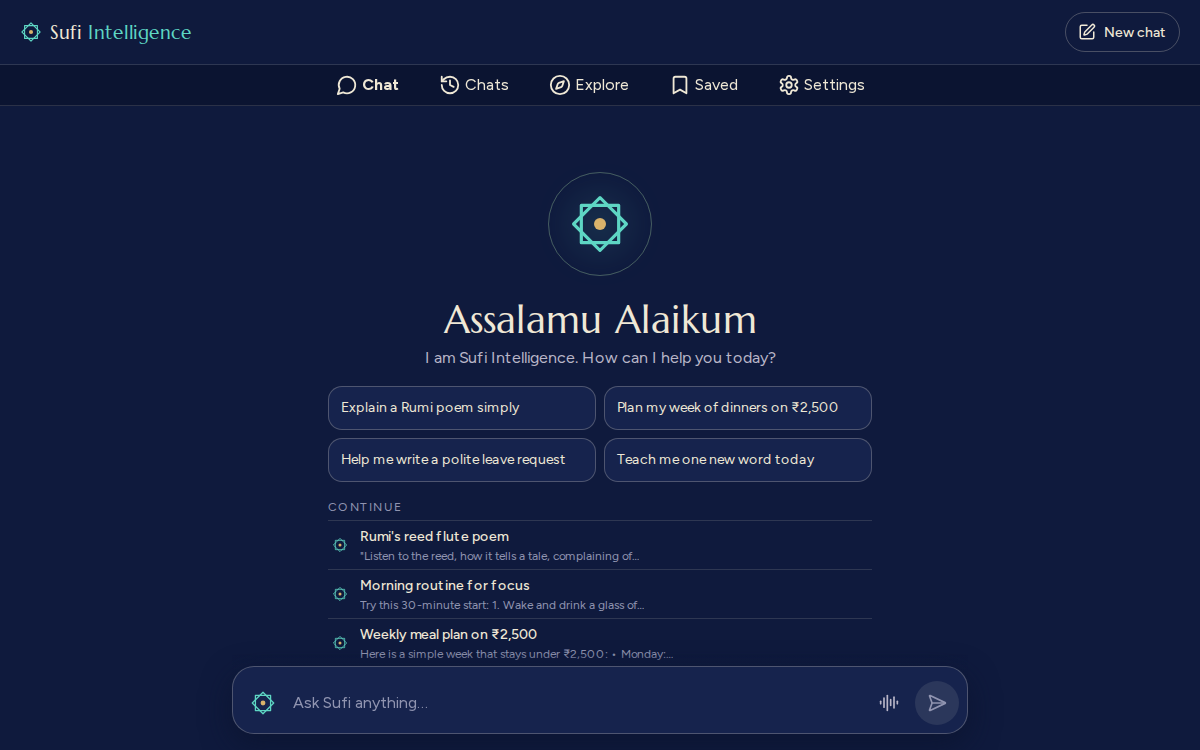
Sufi Intelligence
Ask anything, by voice or by text, and get a clear answer.
Other apps
ClimaCasa
Tecnologia e sustentabilidade para residências mais saudáveis.
Other apps
Arial
Other apps
RASTTI
Video ngufi zo mu Rwanda — reba, kunda, kurikira, winjize.
Other apps
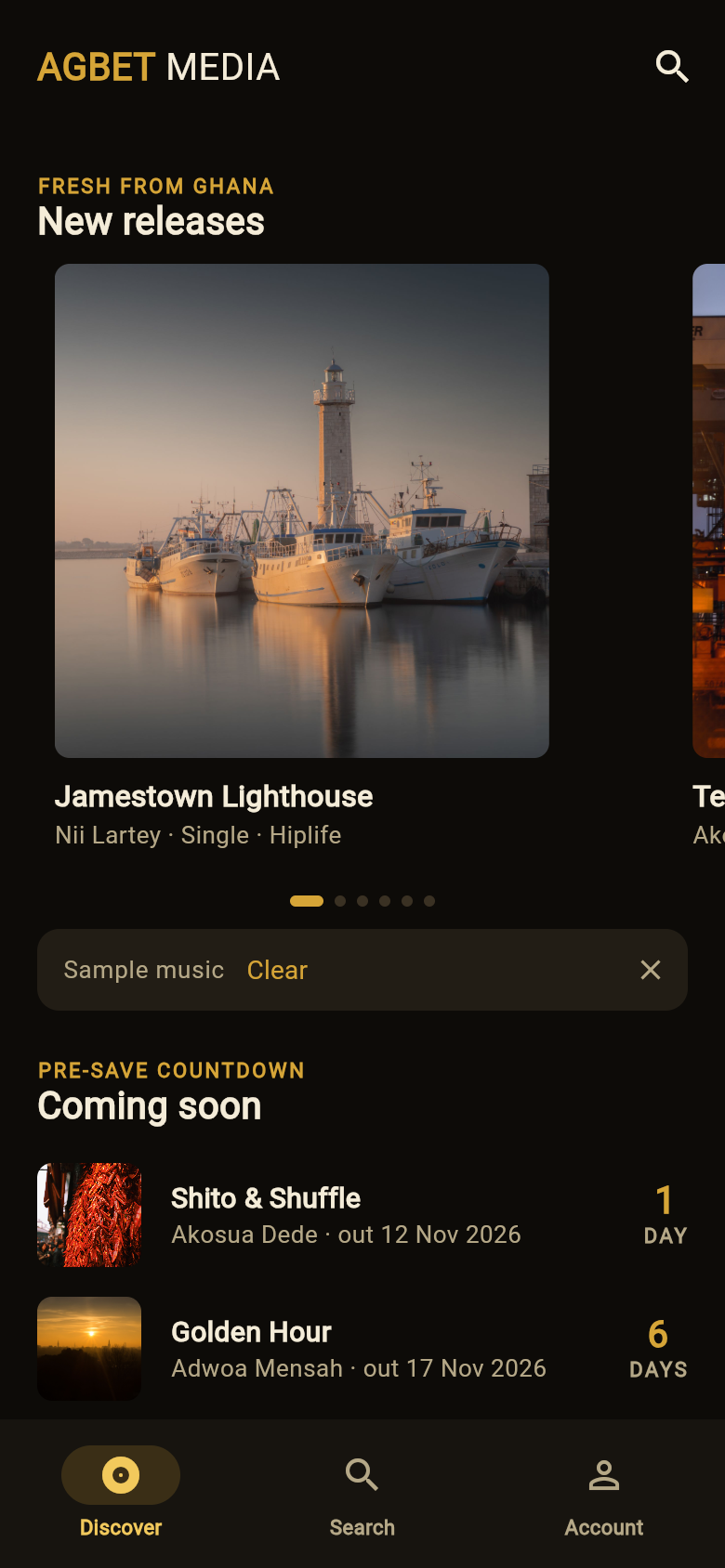
AGBET MEDIA
Your music. Every platform. Paid in cedis.

Other apps
Super App Creator AI
Describe an app in Bangla or English and watch it come alive on your phone.
Made with BooDoo. Owners on a paid plan can hide their app from the gallery.