

Claude Copy
A calm, dark AI chat app for Android that answers in English or Hindi, reads photos and text files, and organises chats into projects.
About this app
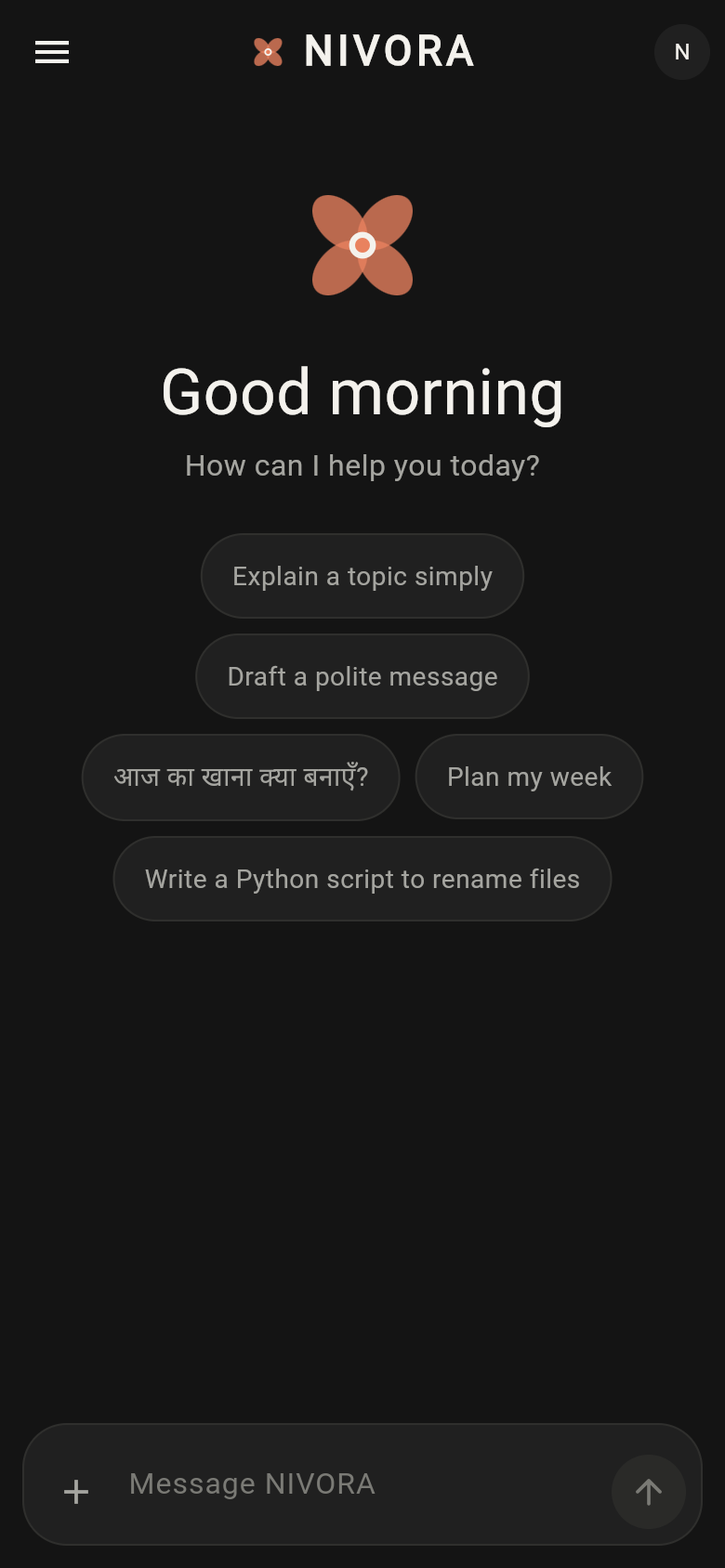
NIVORA AI is a dark, minimal chat app for one person's phone. Type a question in English or Hindi and get a short, clear answer; attach a photo or a plain text file (.txt, .md, .csv, .json) and ask about its contents. Every conversation is saved automatically, titled from its first message, and can be searched, renamed, pinned, or deleted later.
The app is built for someone who wants a calm, personal AI assistant rather than a busy multi-tool dashboard: a student asking study questions, someone drafting a message, or anyone who wants quick answers without ads or clutter. Chats can be grouped into Projects, each with its own short instructions (for example, treating every chat inside as tutoring for a specific class), so related questions stay organised and the AI keeps the same context.
Main screens include a Home screen with starter prompt chips and recent chats above a composer that takes text, photos, or files; a Chat screen with typing indicator, stop/retry controls, and attachment previews; and a drawer leading to Chats, Projects, and Settings. Settings covers reply length and language, text size, permissions for photos/files/camera/notifications, and a privacy page that explains what is sent where and lets someone delete all chats or projects.
It suits anyone who wants a private-feeling, no-frills AI chat on Android rather than a full productivity suite — reading PDFs/DOCX and background 'reply ready' notifications are not working yet, but text-file reading, bilingual replies, and project-based organisation already work.
What it does
- Ask a question and get a short answer in English or Hindi
- Attach a photo or a plain text file to ask about its contents
- Tap a starter prompt on the home screen to begin instantly
- Pin, rename, search, or delete any past conversation
- Group related chats into Projects with shared instructions
- Add existing chats into a Project after the fact
- Adjust reply length, reply language, and text size in settings
- Review what data is used and delete all chats or projects
Questions
- Can I ask it about a photo or document?
- Yes for photos and plain text files (.txt, .md, .csv, .json); PDF and DOCX files can be attached but their contents aren't read yet.
- Does it reply in Hindi?
- Yes, it answers in English or Hindi depending on the language you write in, or you can set a preferred reply language in settings.
- Can I organise my chats?
- Yes, chats can be pinned, searched, renamed, or grouped into Projects that each carry their own instructions for the AI.
- Will it notify me when a reply is ready?
- Not yet. Background notifications for finished replies are planned but not built into this version.
- Can I build an app like this without coding?
- This app was made with BooDoo, an AI app builder, and a similar chat app can be made by describing what it should do.
Build an app like this
More apps like this
Other apps
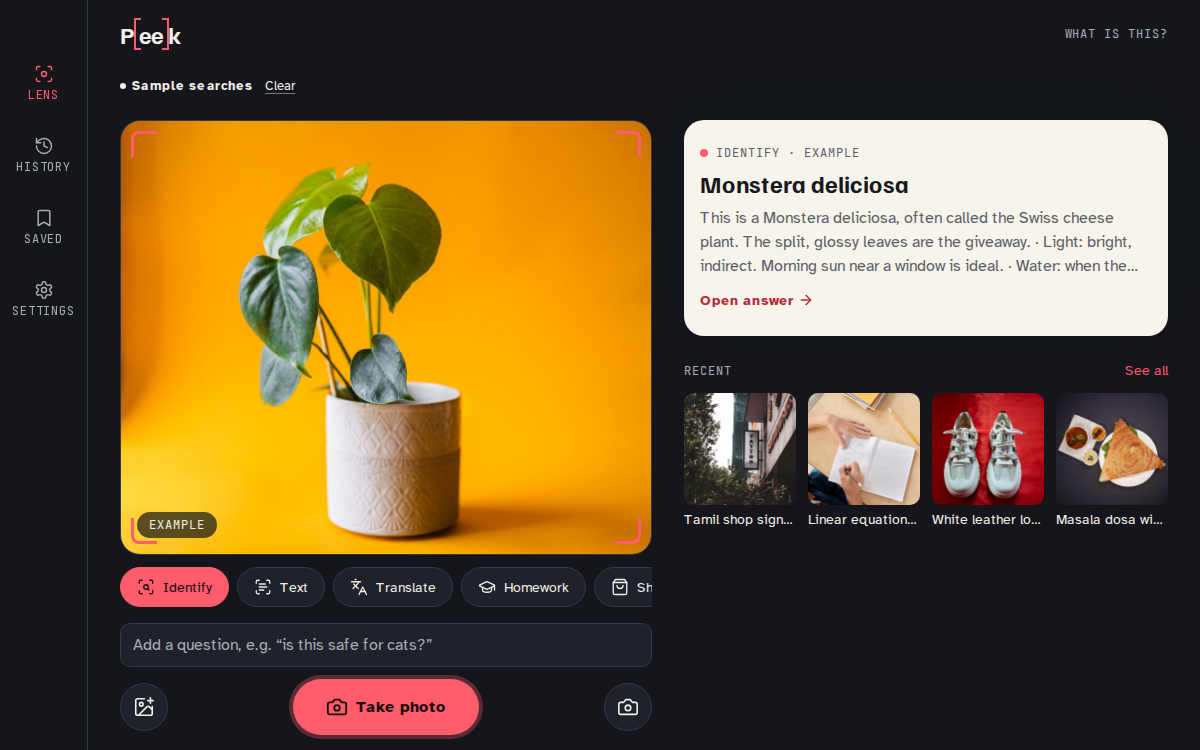
Peek
Point your camera at anything and ask.

Other apps
Rassegna
Le notizie del giorno, lette ad alta voce e riassunte per te.
Other apps
NoesisAI
ستاسو هوښیار ملګری — مفصل ځوابونه، کوډ، غږ او انځور په یوه ځای کې.
Other apps
My Music Distribution
Ta musique sur toutes les plateformes, tes royalties dans ta poche.

Other apps
Il salotto del popcorn
Film, serie, libri, musica, anime e manga: tutto quello che guardi e leggi, a che punto sei.

Other apps
Shotbook
Describe a video. Get the script and every shot, ready to film.
Made with BooDoo. Owners on a paid plan can hide their app from the gallery.